Still on Retailed classic? Classic guides
Payouts
Follow the money each channel owes you, see late payouts, record what really landed and spot payouts that don't match their fees.
Money › Payouts shows the sales still waiting on their money, and what has landed.
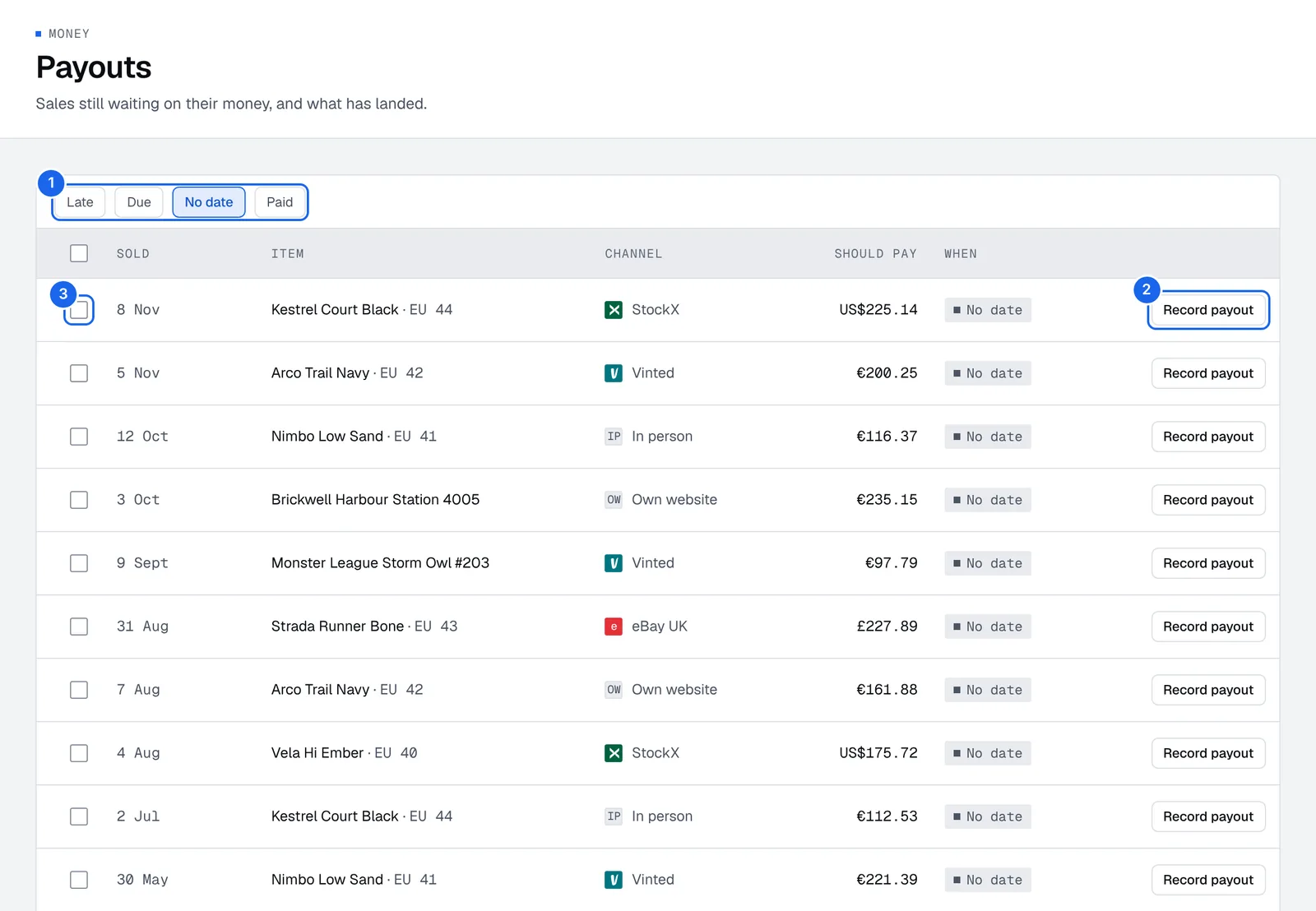
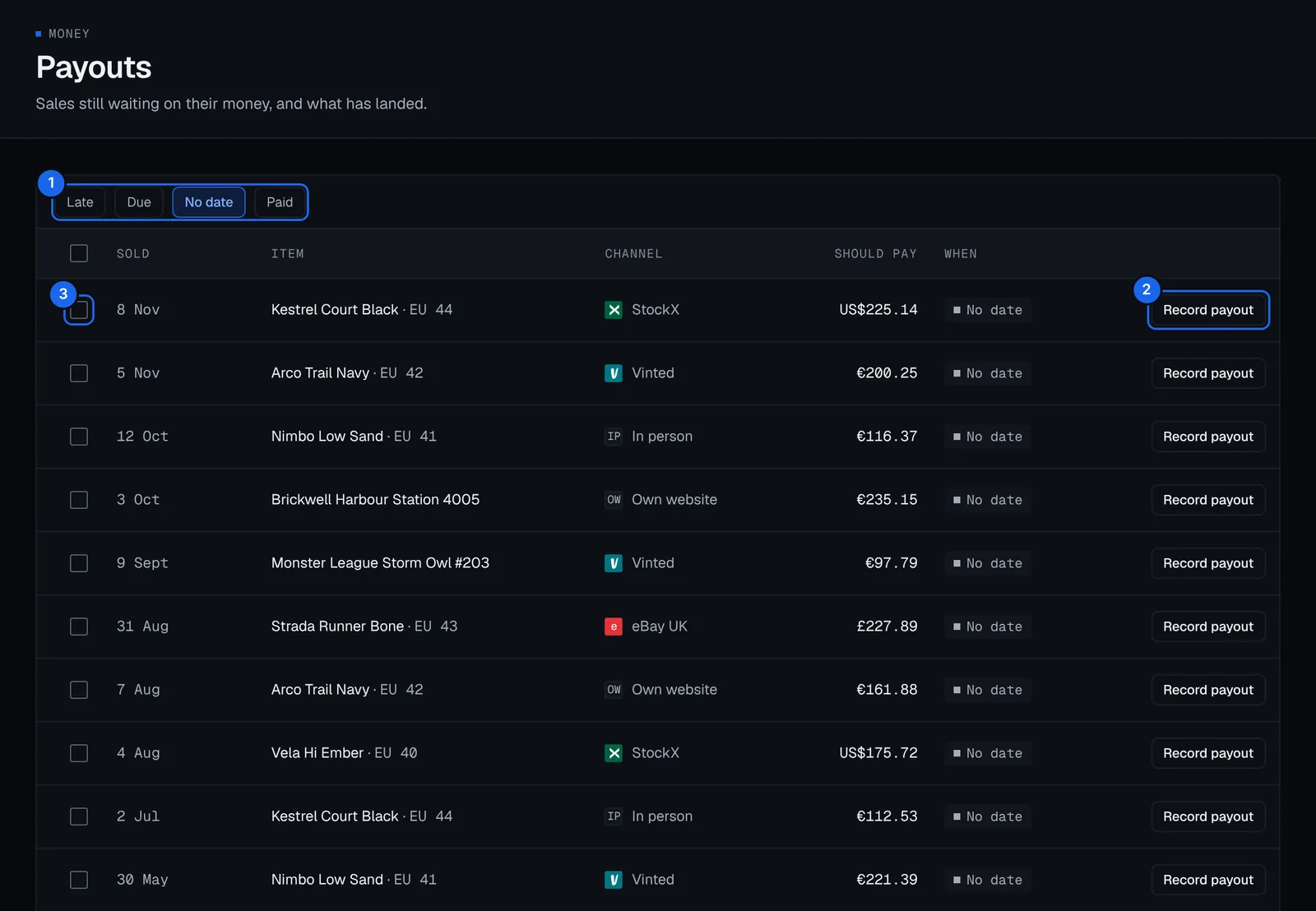
- Late, Due, No date and Paid: the views, described below.
- Record payout: record what landed for one sale.
- Tick boxes: pick several sales a channel paid together, then Mark paid in the bar at the bottom.
See what's owed
Open Money › Payouts and pick a view:
- Late: past the day the channel said it pays.
- Due: has a due day that hasn't come yet.
- No date: no payout and no due day.
- Paid: what landed.
A sale recorded as Not paid yet is due after its channel's usual delay. Set the delay in Channels and fees.
Record a payout
- In Money › Payouts, press Record payout on the sale's row.
- Pick It landed, then type what landed and the day. Retailed shows what the sale should pay after fees.
- Save it.
If the amount differs from what the fees said, the difference is kept as a payout difference, and the sale's profit follows what really landed.
To set the day a channel says it pays instead, pick Not yet and type the due day. It shows as late after that.
Record many payouts at once
- Tick the sales a channel paid out together.
- Press Mark paid in the bar at the bottom. You can do this from Money › Sales too. Each sale is recorded at what it should pay after fees.
If a channel paid a different amount on one sale, record that one on its own. Sales already paid, cancelled or refunded are left out.
Check payouts against fees
Settings › Channels and fees compares each channel's fee rates with the payouts you recorded over the last 30 days, and flags a channel that took more, or paid more, than its fees said. Reports list sales whose payout doesn't match their fees under the checks. See Reports.
Bank accounts
Connecting a bank is coming. Retailed will read balances and transactions, read only, to match payouts and expenses, and can never move money. Until then, record payouts as they land.
eBay Autopilot
Let Autopilot end eBay listings when a unit sells elsewhere and run the price steps, markdowns and offers you set, starting with a 7-day dry run.
Expenses and other income
Add costs that aren't stock, like shipping labels, packaging and rent, and money in that isn't a sale, keep receipts, and repeat rent and subscriptions automatically.