Still on Retailed classic? Classic guides
Channels and fees
Add the places you sell, pick each marketplace's fee setup, payout delay and tax, connect eBay to bring in sales, and link listings to your items.
A channel is a place you sell: a marketplace like StockX, Vinted or eBay, your own website, Instagram, a fair or in person. Settings › Channels and fees lists them. Record a sale offers these channels, and each one's fees are taken off its sales.
Add a channel
- Open Settings › Channels and fees and press Add channel.
- Pick the marketplace, or Your website, In person or Other.
- If it pays you in another currency than your own, set Pays in.
- Press Add channel.
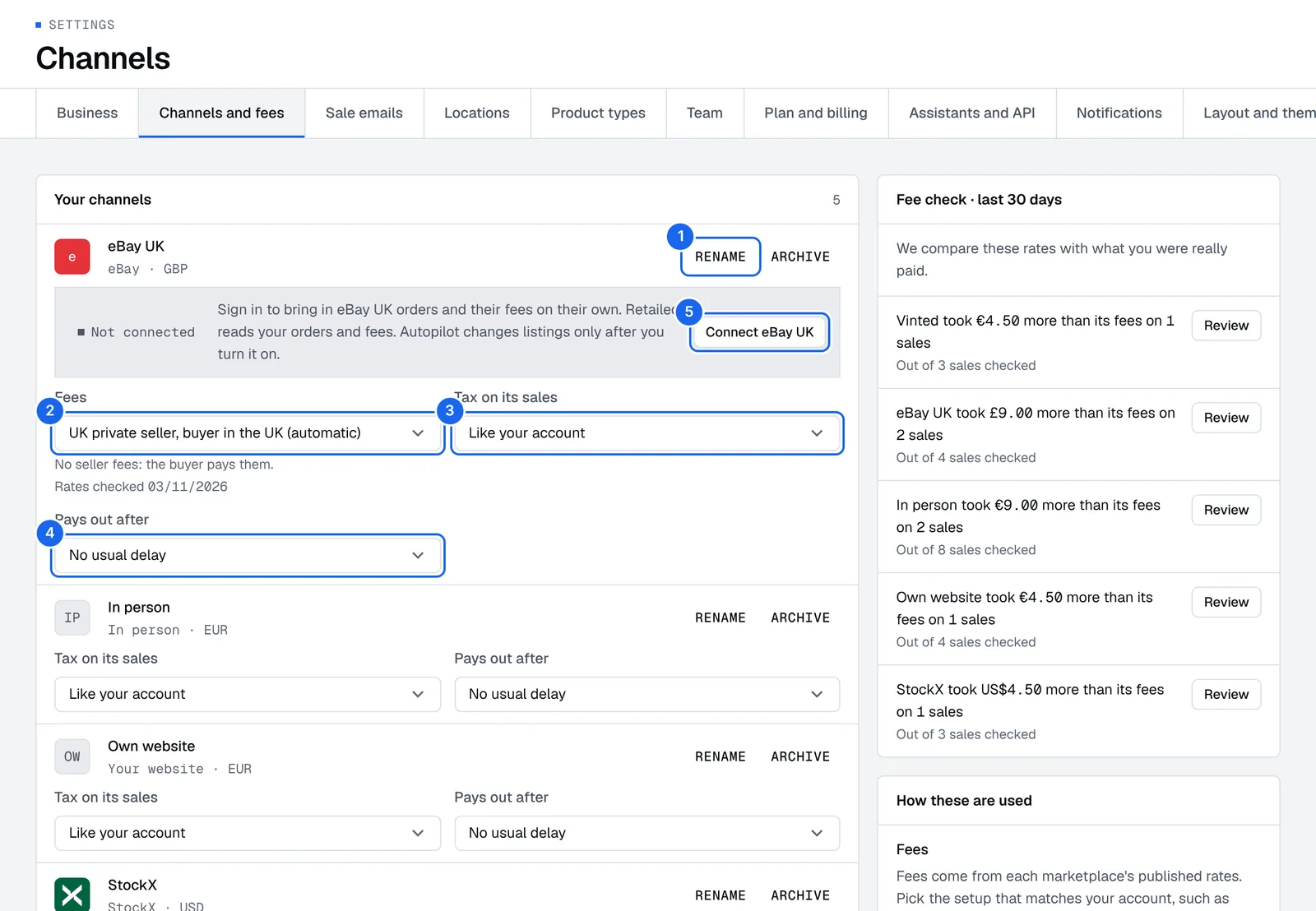
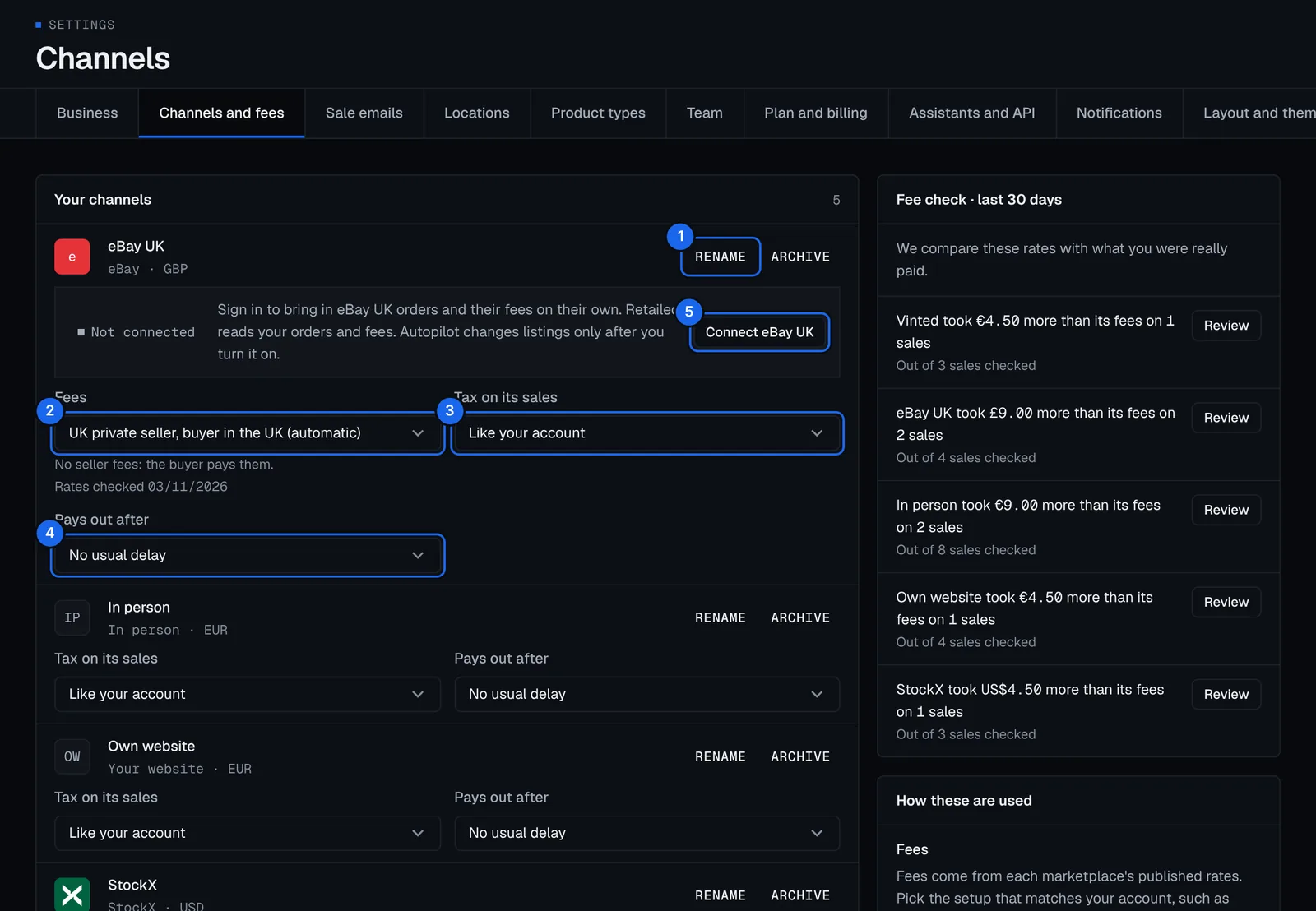
Each channel in Your channels has:
- Rename and Archive.
- Fees: the fee setup that matches your account.
- Tax on its sales: Like your account, or The marketplace collects it.
- Pays out after: the channel's usual payout delay.
- Connect eBay on an eBay channel: brings in its orders and fees.
Archive a channel you no longer use: it leaves the Record a sale picker, and its sales stay as they are. Restore it any time.
Set a channel's fees
Fees come from each marketplace's published rates, set for your country.
- In Settings › Channels and fees, open the channel's Fees.
- Pick the setup that matches your account, such as your StockX seller level.
Record a sale then works out the fees for you. Fee check · last 30 days compares these rates with what you were really paid, and flags channels whose payouts didn't match their fees. See Payouts.
Set when a channel pays out
- Open the channel's Pays out after and pick the usual delay, for example 7 days, or Same day.
- A sale recorded as not paid yet is then due that many days after it sold, and shows as late in Money › Payouts after that.
Set who pays the tax
Under Tax on its sales, pick The marketplace collects it when the marketplace charges the buyer the tax and pays it for you, like eBay in the US. From that day, you owe no tax on that channel's sales. Pick Like your account to go back.
Connect eBay
eBay connects by sign-in and brings in your sales with their fees. Other marketplaces come in from your sale emails, screenshots and files.
- In Settings › Channels and fees, press Connect eBay on the eBay channel.
- Read what Retailed reads: sold orders, the fees on each order and your eBay user name. It never reads your messages or password, or changes your listings.
- Press Continue to eBay, sign in there and come back.
Orders from the last 2 years come into your Inbox as drafts. Nothing counts until you check and apply them.
eBay sign-ins last 18 months. Retailed warns you before it ends: press Sign in again to keep syncing. Press Disconnect to stop: sales already brought in stay.
To let Autopilot change your eBay listings, turn on changes for the channel separately.
Link listings to your items
The sync finds open listings and ties each one to a unit in stock. Listings it can't tie show as Listings not linked.
- In Settings › Channels and fees, open Listings not linked.
- Press Link on a listing.
- Search your units in stock, pick the one it's for and press Link listing.
From then on, a sale of that listing sells that unit.
Sales
Record a sale with its fees and shipping, see what you made after fees, costs and VAT, and handle returns, cancellations, refunds and fee changes.
Sale emails
Forward your marketplace sale emails to your own Retailed address, by hand or with a mailbox rule in Gmail, Outlook or iCloud, so each sale becomes a draft in your Inbox.