Guide forExpenses and subscriptions →
Expenses and subscriptions
Record one-off expenses and recurring subscriptions so Retailed can show your real net profit.
Your profit on a sale only counts the item's cost. Packaging, fees, event booths, your accountant and monthly tools are costs too. Add them as expenses and subscriptions, and the dashboard's net profit includes them.
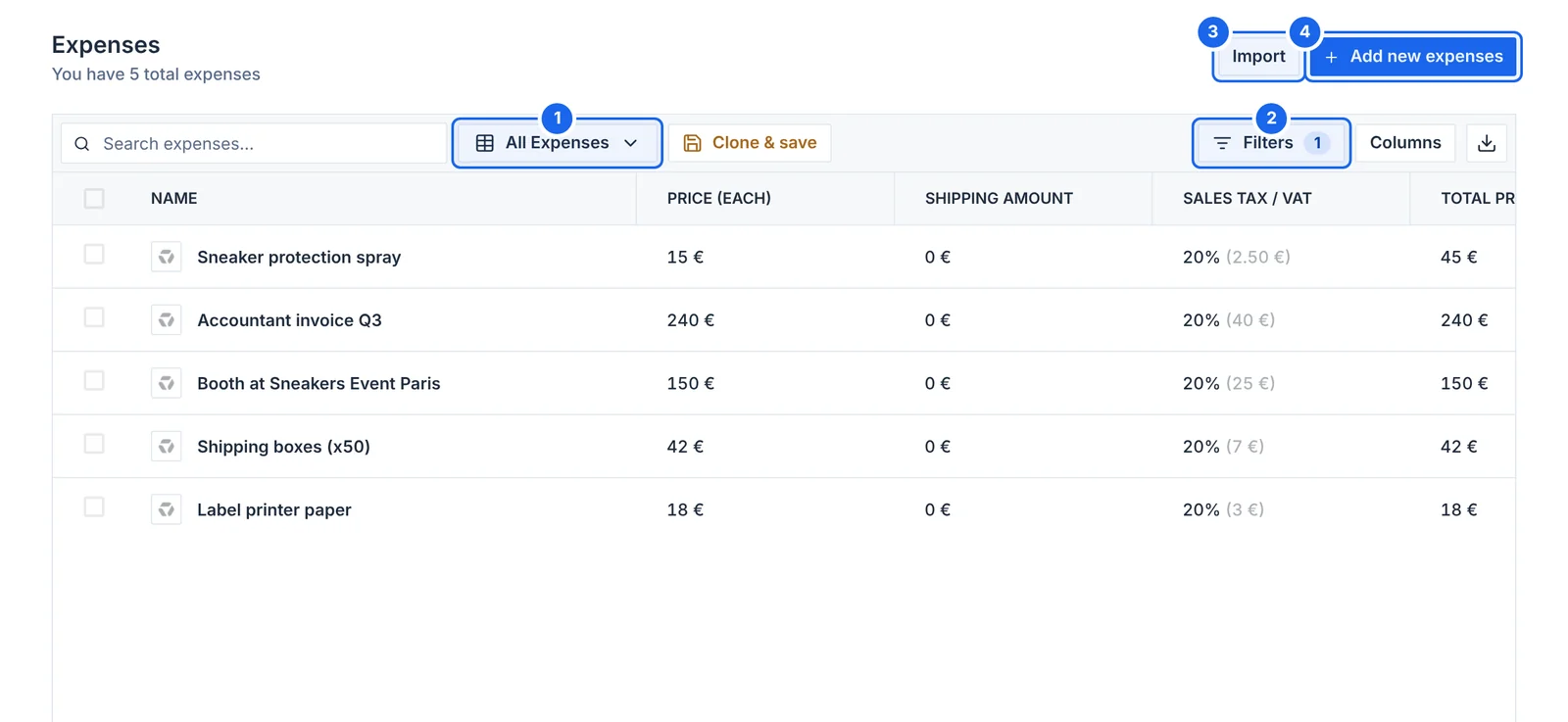
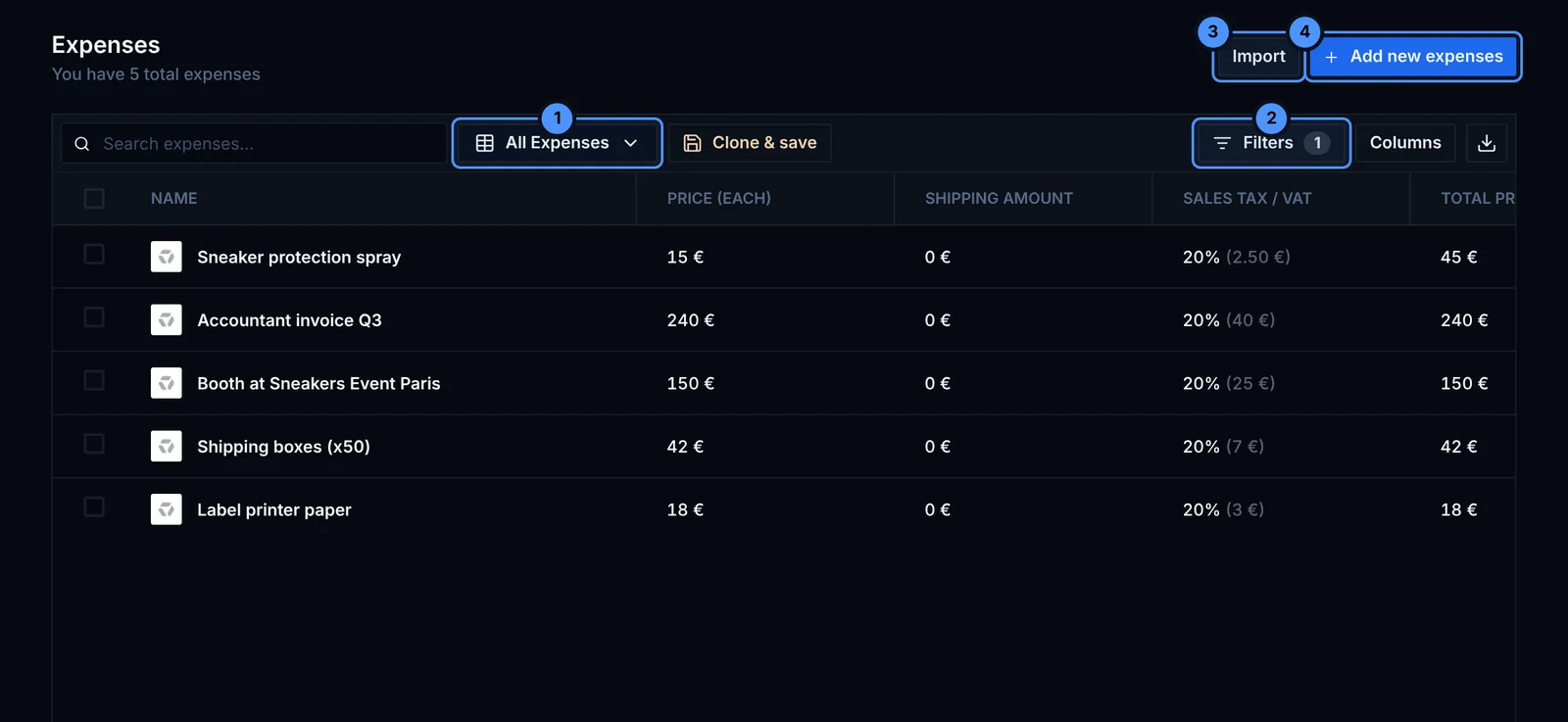
- Views: all expenses, or a view you saved.
- Filters: by status, supplier, date and more.
- Import expenses from a CSV file.
- Add new expenses by hand, or scan a receipt.
Expenses
An expense is a one-off cost. Fill in:
- Name and place of purchase
- Price, quantity, tax and shipping
- Date and order ID
- Status: Paid, Unpaid or Upcoming
- the company or contact you paid, and tags
You can also import expenses from a CSV file. See Import and export.
Subscriptions
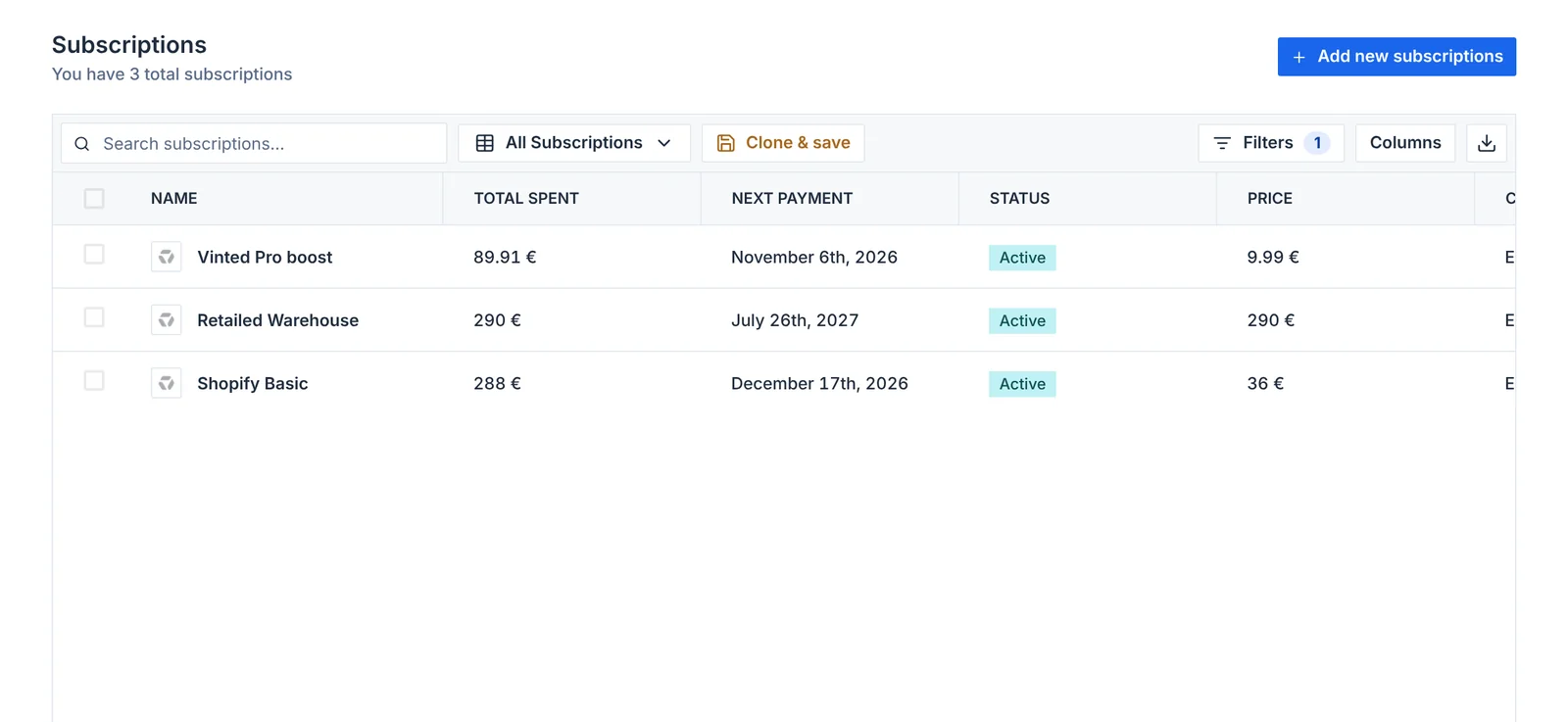
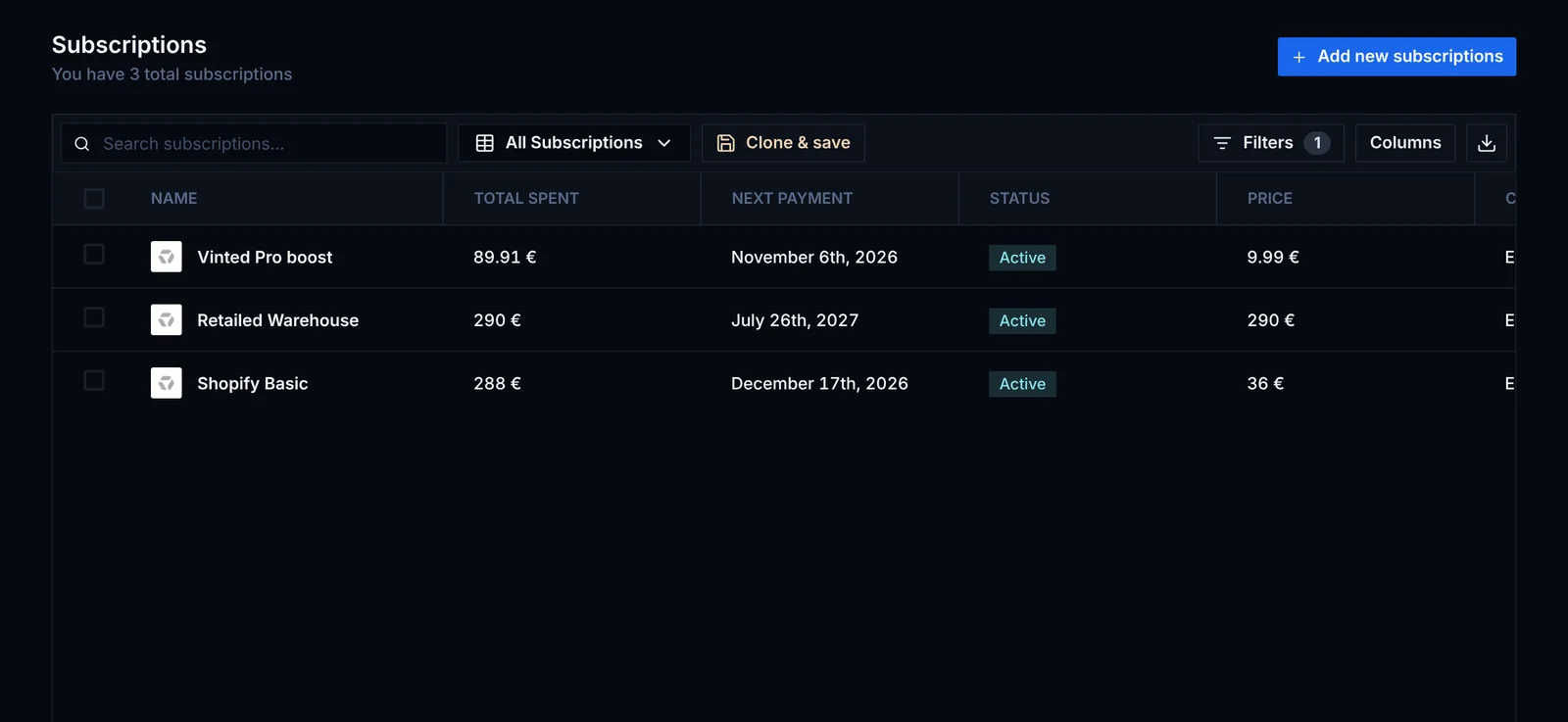
A subscription is a cost that repeats: a Shopify plan, a cook group, a storage unit. Set:
- the price, tax and the company you pay
- how often you pay: every day, week, month or year, or every so many days
- a start date, and an end date if it stops
Retailed adds the cost on each due date, so your spend and net profit stay correct without you entering each payment. Cancel a subscription when you stop paying for it.