Guide forListings oversight →
Listings
Keep track of where each item is listed, at what price, and the profit it would make if it sells.
A listing records that a unit is for sale somewhere: the platform, the price, and any shipping or tax. One item can have several listings, for example on StockX and on Vinted at the same time.
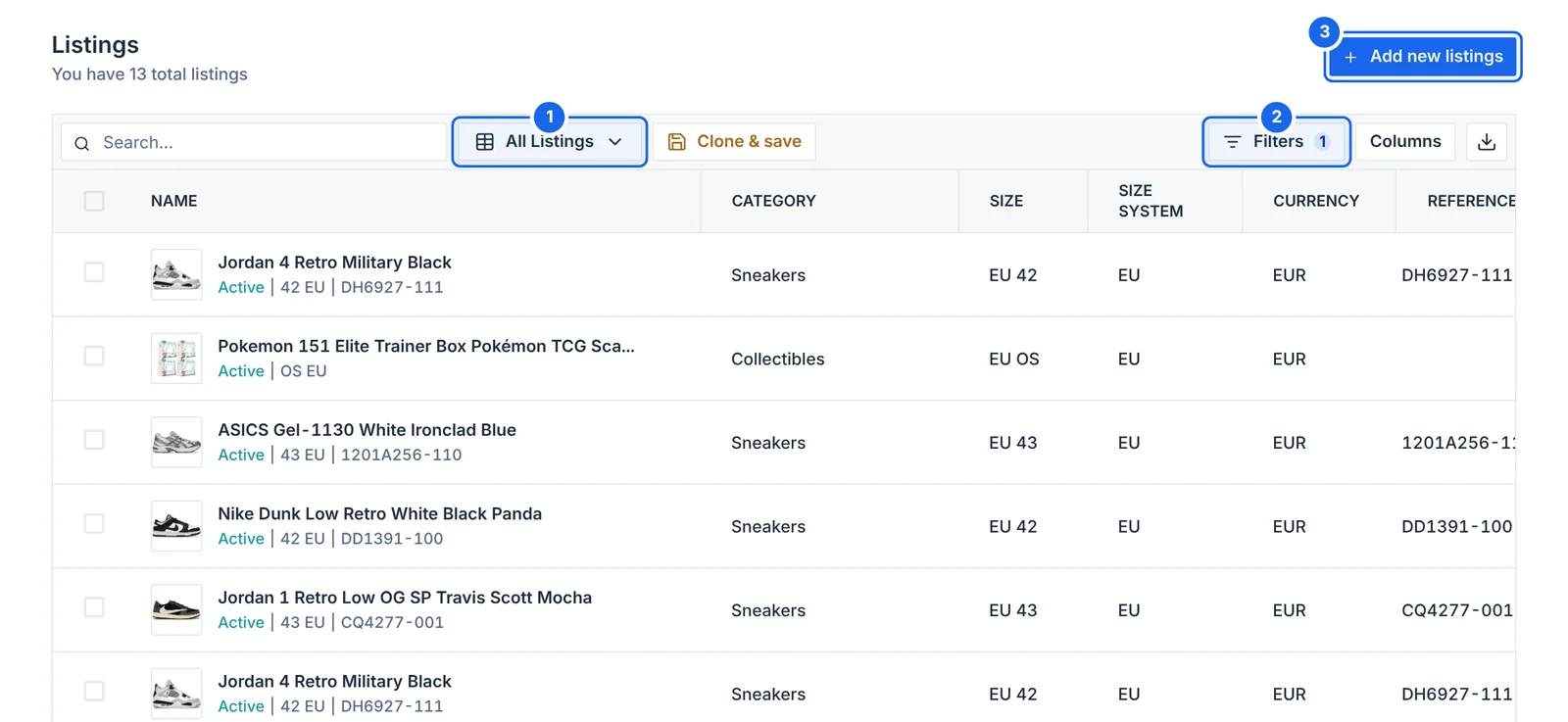
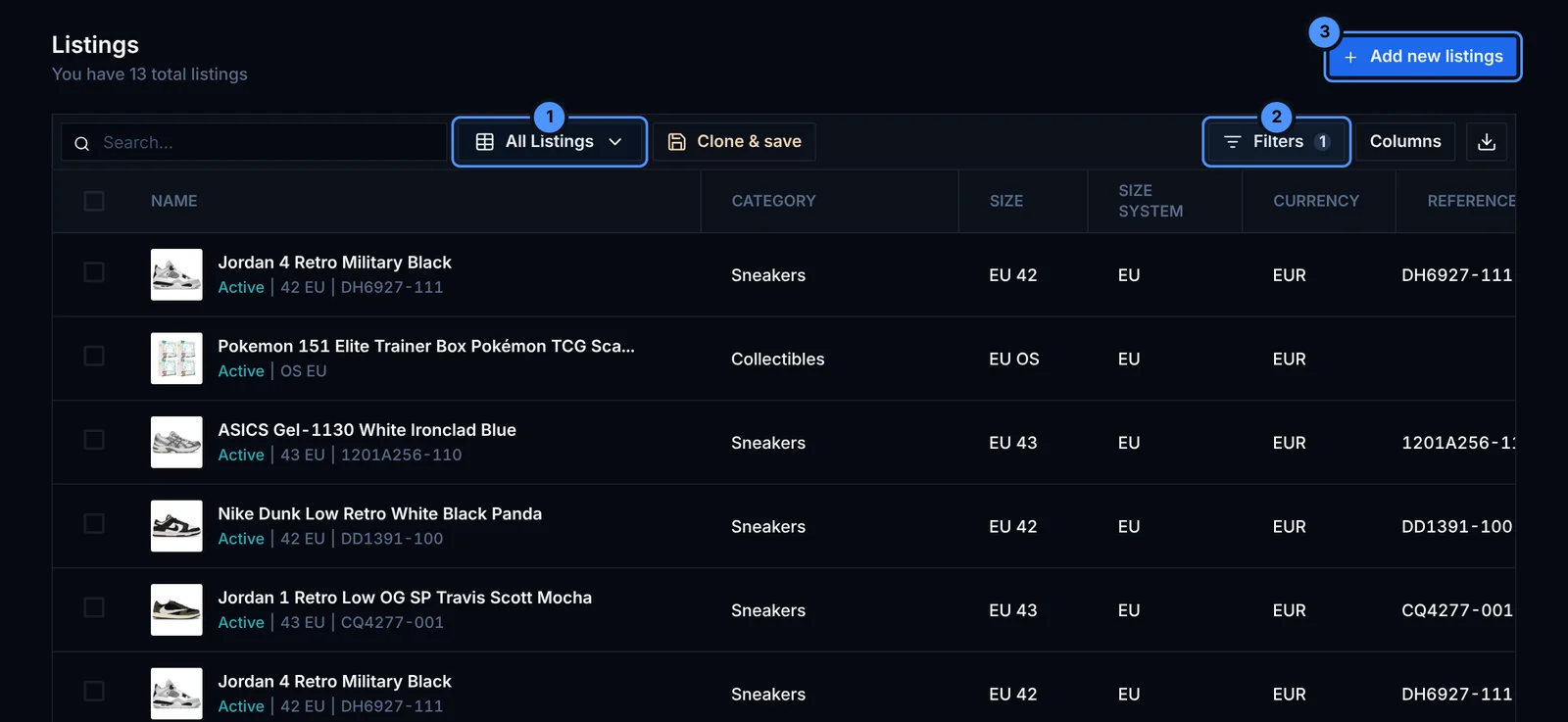
- Views: all listings, or only the active ones.
- Filters: by platform, status, price and more.
- Add new listings for items you already own.
Add a listing
Open an item and add a listing from the Listings tab, or click Add new listings on the Listings page. Pick the platform, enter the price, and the item becomes Listed.
To list many items at once, select them on the Inventory page and click Create listings. You can use a pricing template: list at the market price, slightly below it or above it.
Statuses
- Active: the item is for sale on that platform
- Sold: this is the listing that sold
- Deleted: the listing was removed
When you record a sale or mark an item as Sold, Retailed asks which listing sold. That listing becomes Sold and the item's other listings are closed.
Retailed keeps a record of your listings. It does not post them to the platforms for you.