Guide forEmail hub →
Email hub
Forward your order and sale emails to Retailed and approve the purchases and sales it finds.
The email hub gives you a personal Retailed email address. Forward order confirmations from shops and "you sold an item" emails from platforms to it. Retailed reads each email and proposes the purchase or sale it describes.
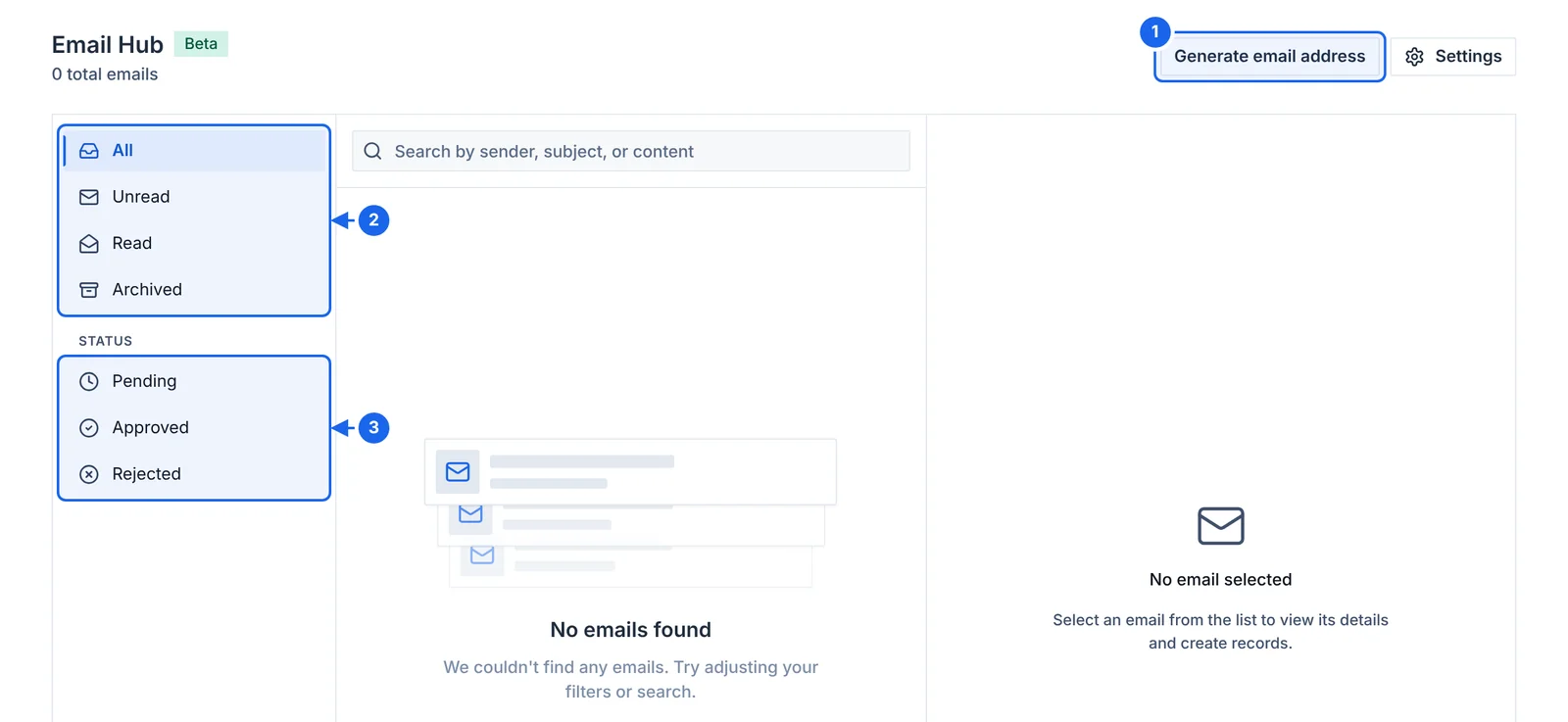
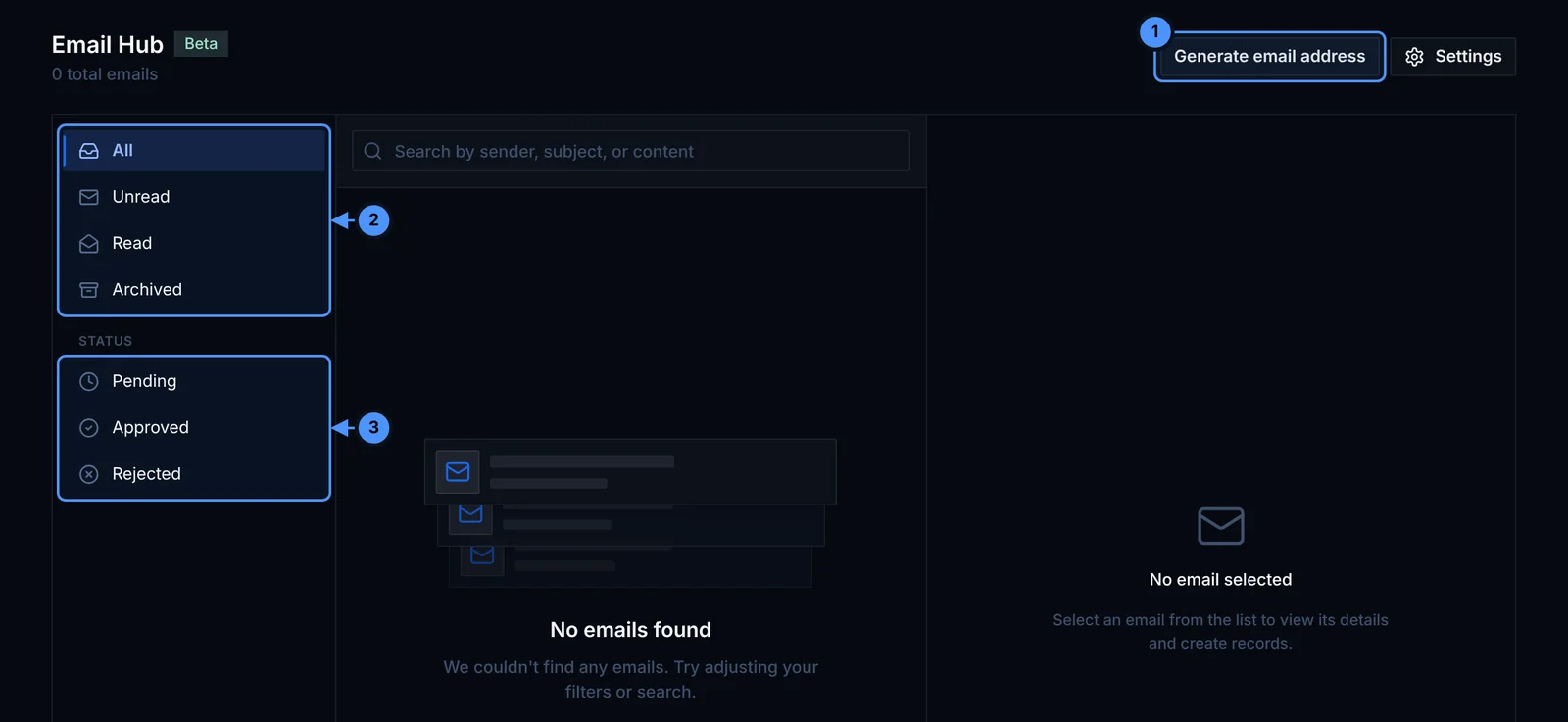
- Generate email address creates your personal forwarding address.
- Filter emails by read state.
- Filter emails by review status: pending, approved or rejected.
Set it up
- Open Email hub in the sidebar and click Generate email address. You can also do this in Settings › Integrations › Email hub (1 below).
- Copy the address. In your email account, create a forwarding rule that sends order and sale emails from your shops and platforms to it.
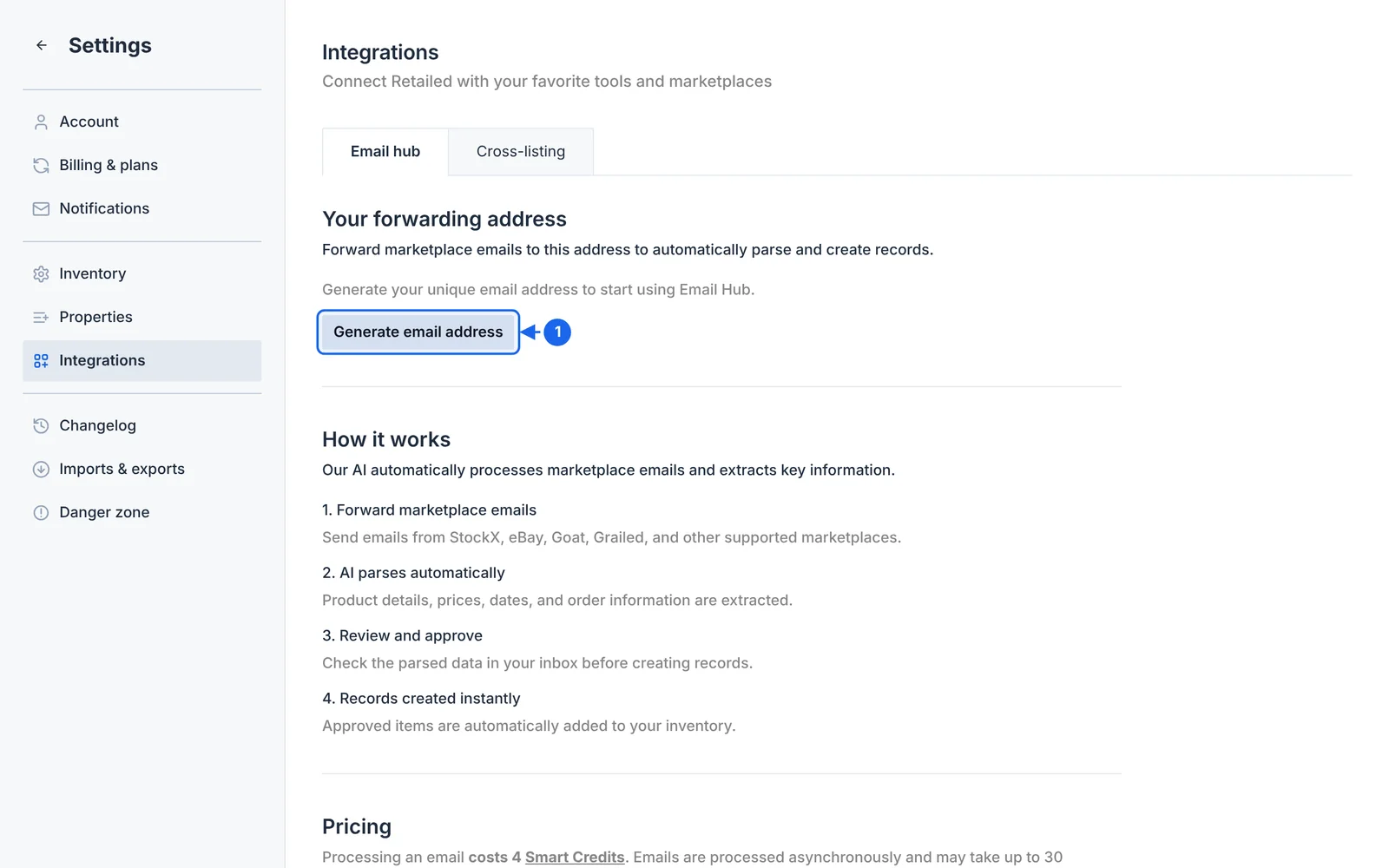
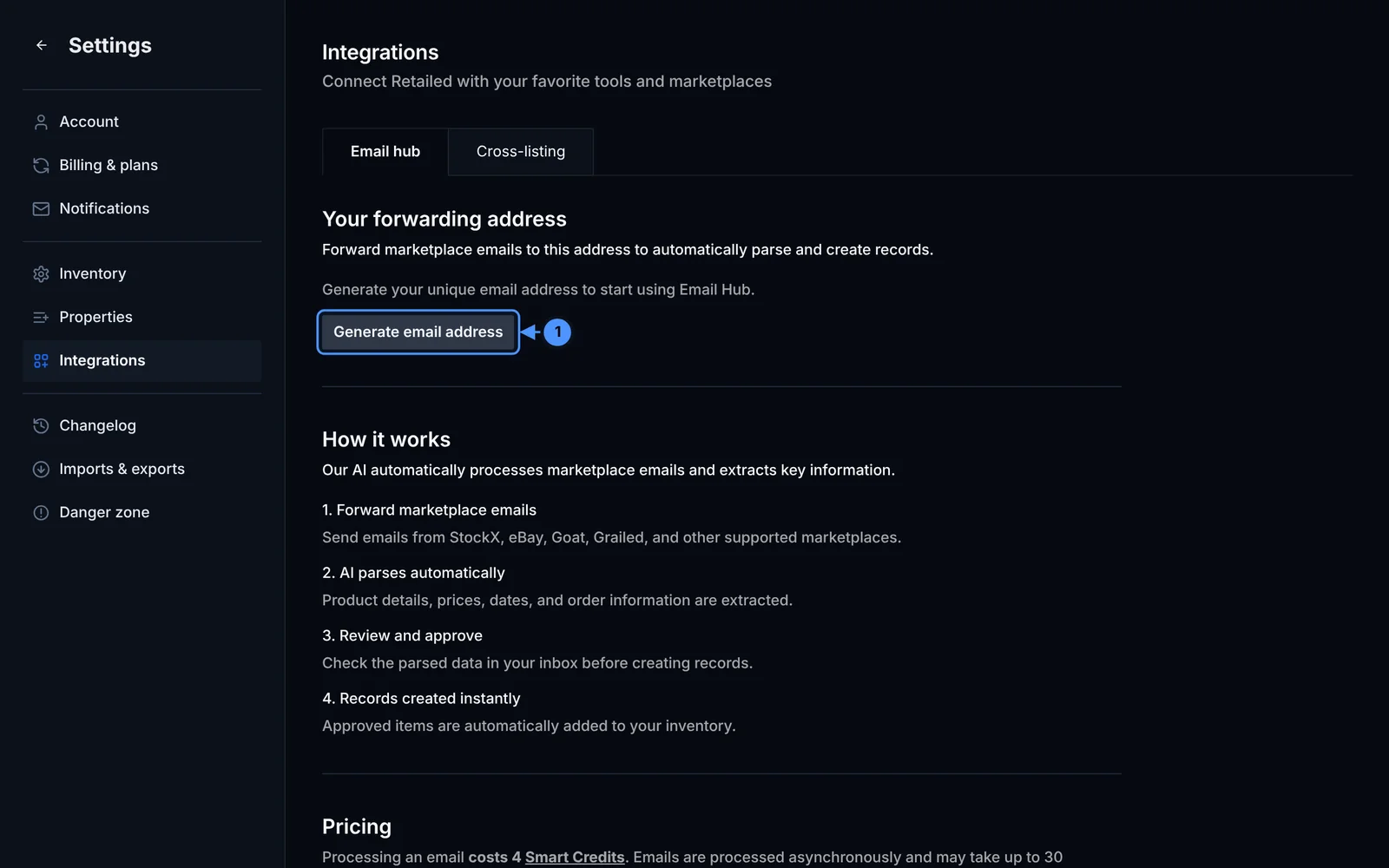
The same page explains how the hub works and what it costs in Smart Credits.
Review what Retailed found
Each email shows up in the hub with what Retailed found in it: the product, size, price, order ID and date.
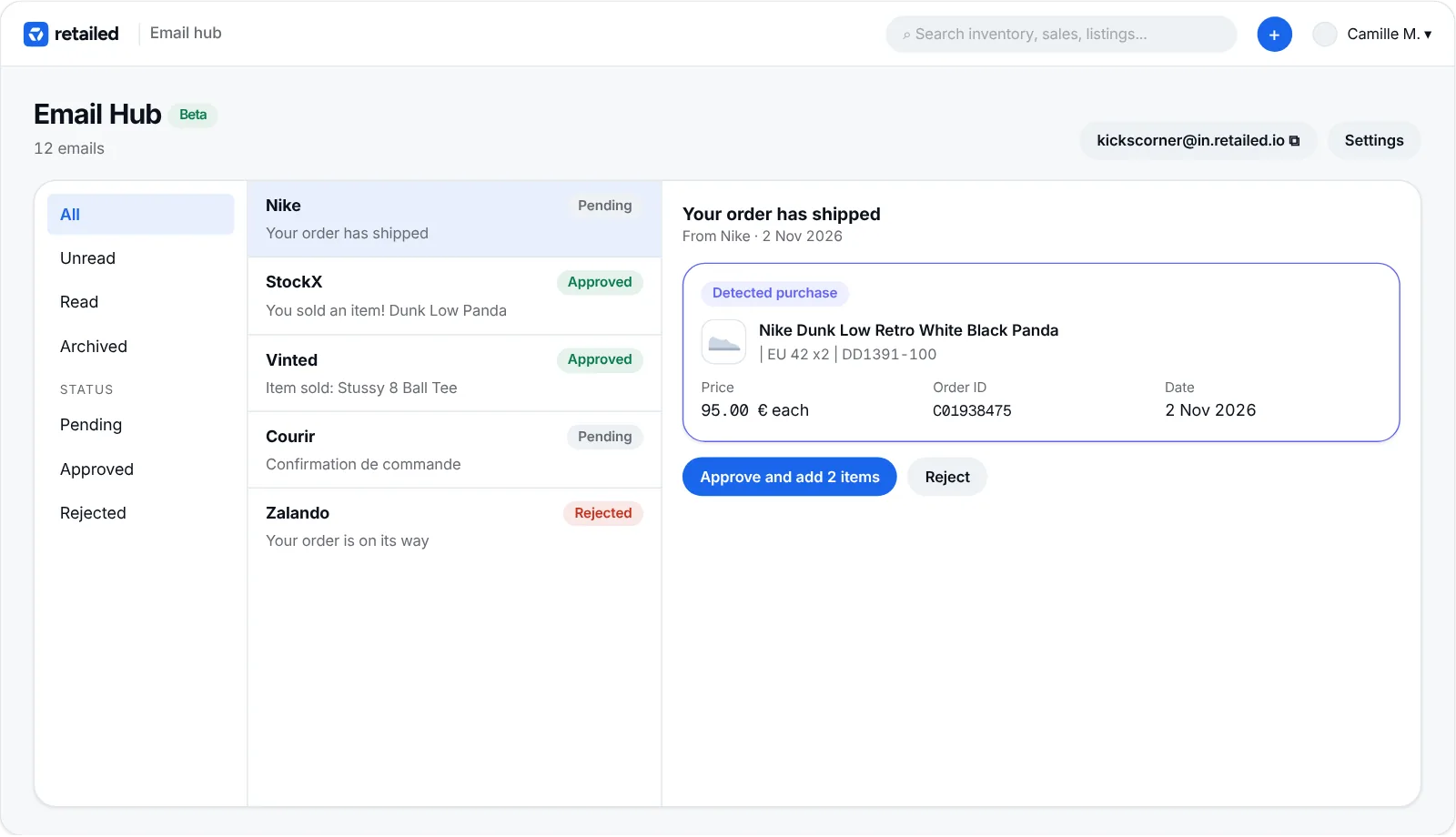
- Approve to create the items or the sale.
- Reject if it isn't something you want recorded.
Use the filters on the left to see unread, read or archived emails, and pending, approved or rejected ones. Reading emails uses Smart Credits.