Guide forParcels tracker →
Packages
Track incoming and outgoing parcels in Retailed, with carrier, tracking number, delivery date and the items inside.
Packages keep track of parcels coming in (restocks, orders from shops) and going out (sales you ship to buyers or platforms).
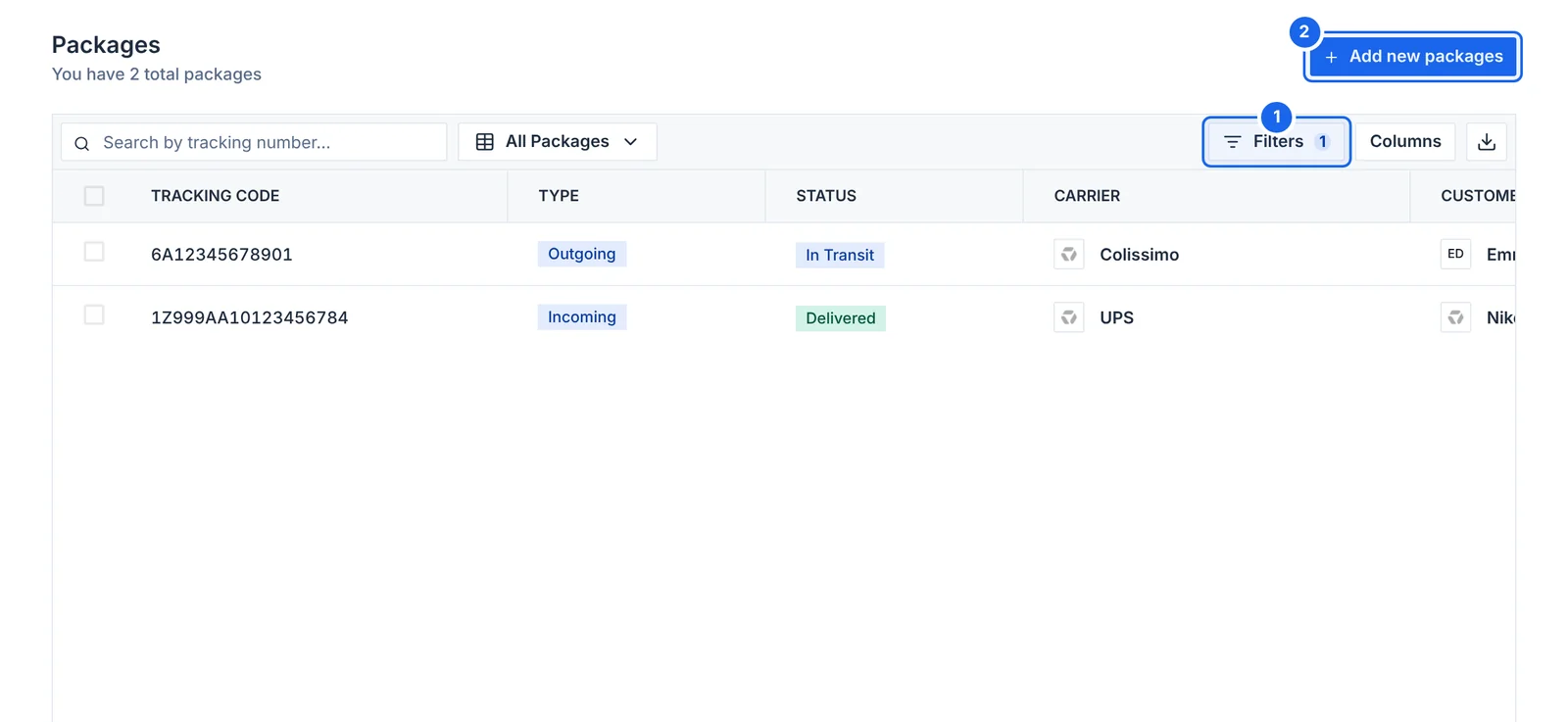
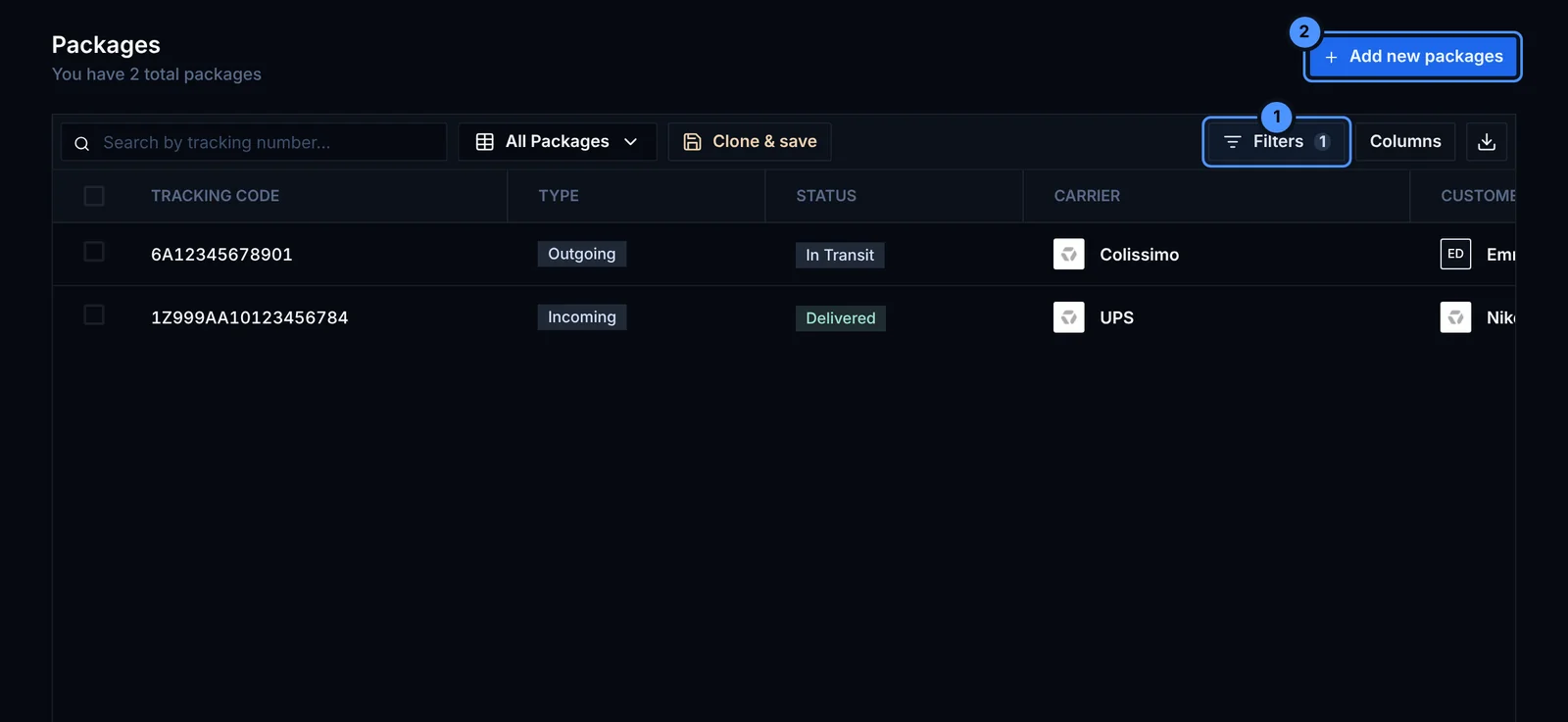
- Filters: by type (incoming or outgoing), status or carrier.
- Add new package with its carrier and tracking number.
Add a package
Click Add new package and fill in:
- Type: incoming or outgoing
- Carrier and tracking number
- Shipping date and estimated delivery date
- Status: Draft, Shipped, In transit or Delivered
- who it comes from or goes to (a contact or a company)
- the items (for incoming parcels) or the sales (for outgoing parcels) inside
Parcels in transit appear in the To Do panel on the dashboard, next to the sales you still have to ship.
Update the status yourself when the parcel moves. Retailed does not fetch tracking updates from the carrier yet.