API access
Create API tokens to read and write your Retailed inventory and sales from your own tools.
On the Warehouse plan, you can connect your own scripts and tools to your Retailed account.
Create a token
- Go to Settings › Account and find API tokens.
- Create a token and copy it straight away. Treat it like a password.
- Delete a token as soon as you stop using it.
In Settings › Account, open the API tab:
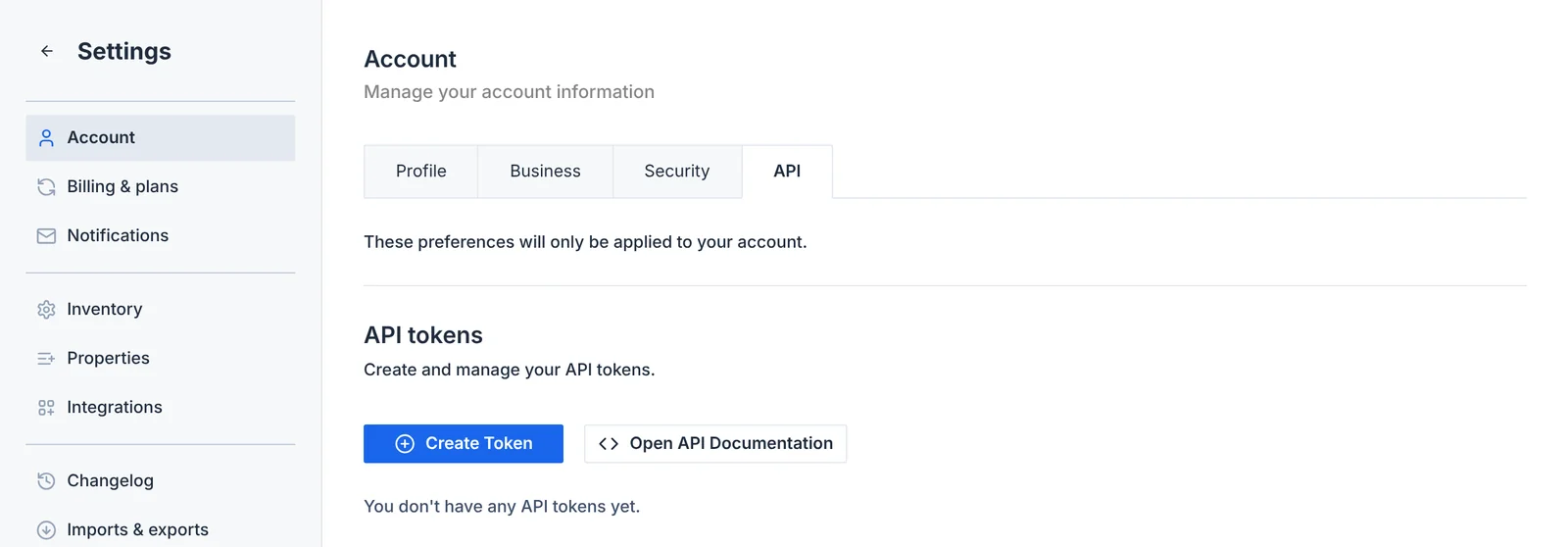
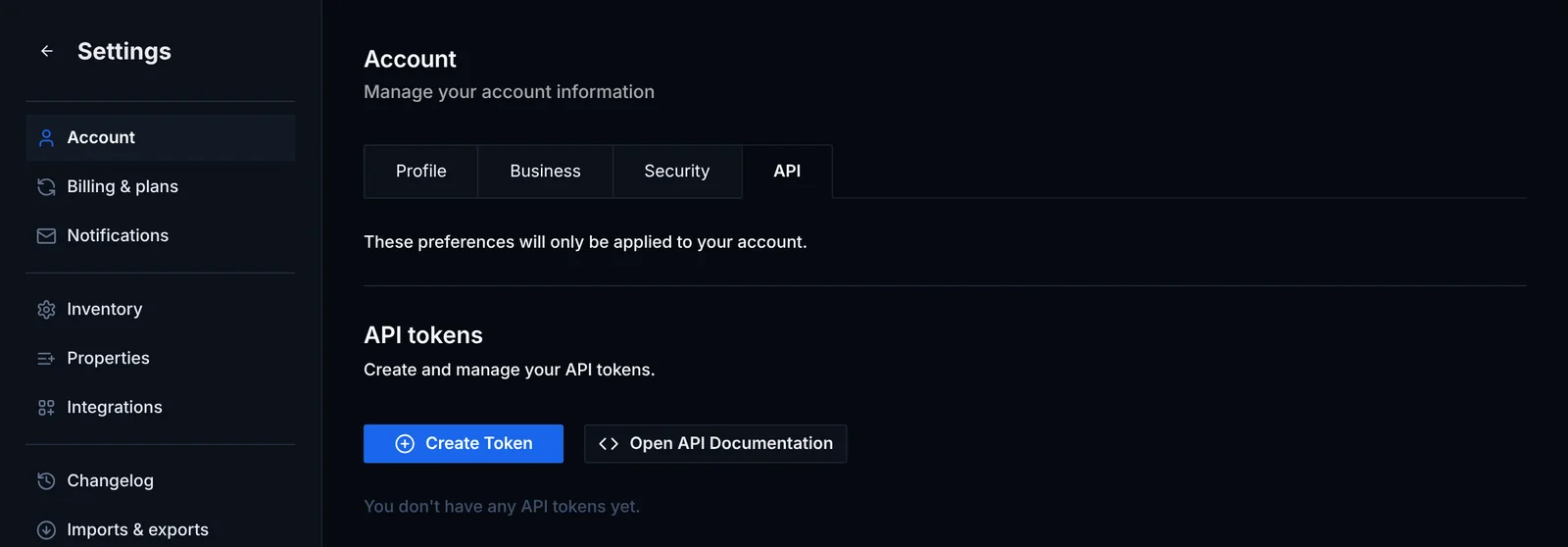
The token gives access to your inventory, sales, contacts and companies. The API reference inside the app lists the endpoints and shows example requests.
This is the API for your own Retailed account. The Retailed market data API (StockX, GOAT and more) is a separate product, documented at docs.retailed.io.