Guide forInventory and sales management →
Market prices and estimated profit
How Retailed values your unsold stock with market prices, and how to set your own estimated profit rules.
Retailed gives every unsold item an estimated value, so it can show what your stock is worth and how much profit it should make. It uses market prices where it can, and your own rules when there's no market price.
Market prices
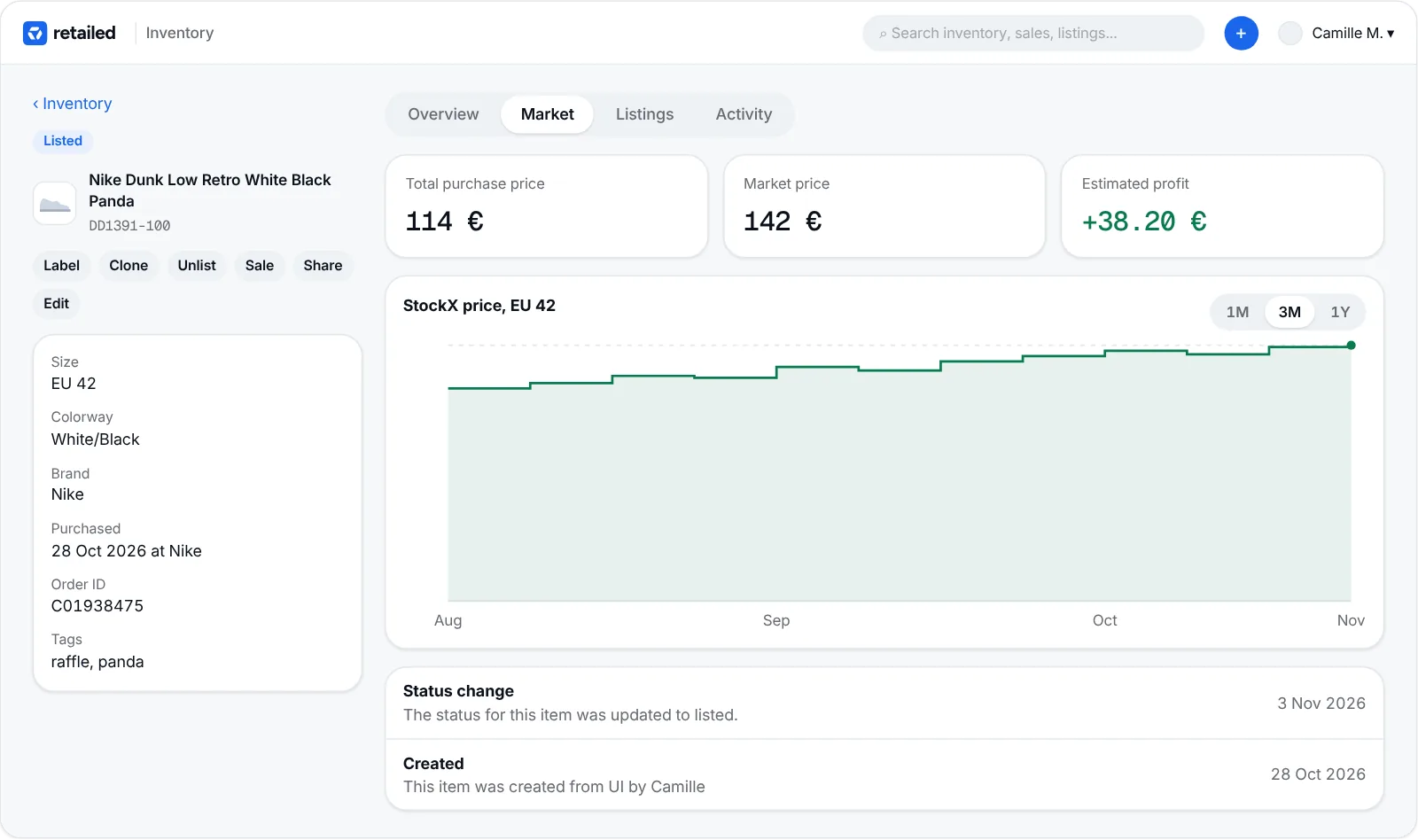
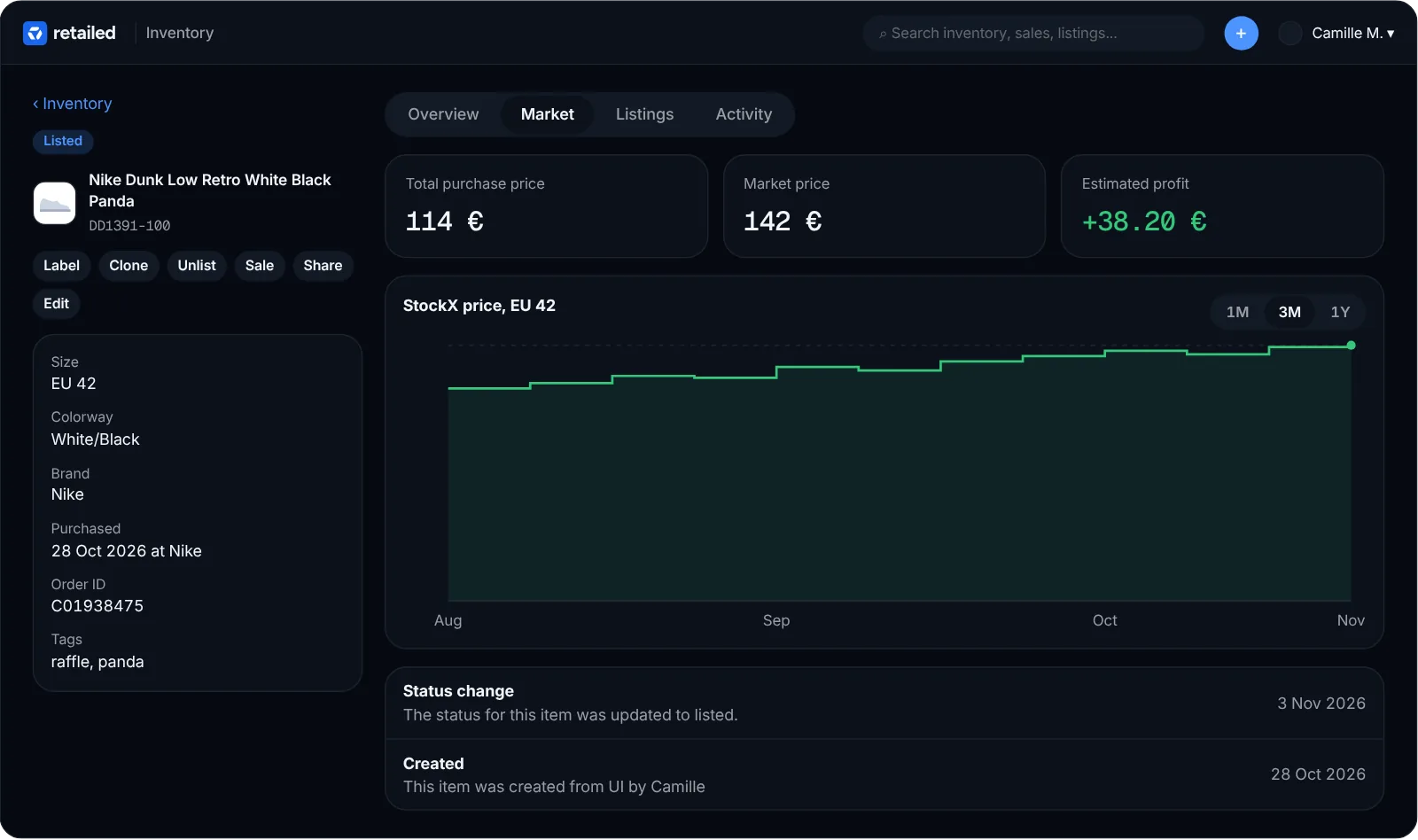
For sneakers and streetwear, Retailed looks up the current market price for the exact product and size from its own price data. You'll see it in the Market price column of the inventory and on each item page.
To update prices, select items on the Inventory page and click Refresh market prices.
The Market tab on an item page shows the price trend for that size over time, with key stats. Market prices and the Market tab are part of the Professional and Warehouse plans.
Estimated profit rules
For items without a market price (collectibles, vintage, one-offs), set rules in Settings › Inventory. A rule adds a fixed amount or a percentage to the item's cost, and can apply to:
- items bought in a given month
- a category (for example Collectibles)
- a brand
- items older than a given age
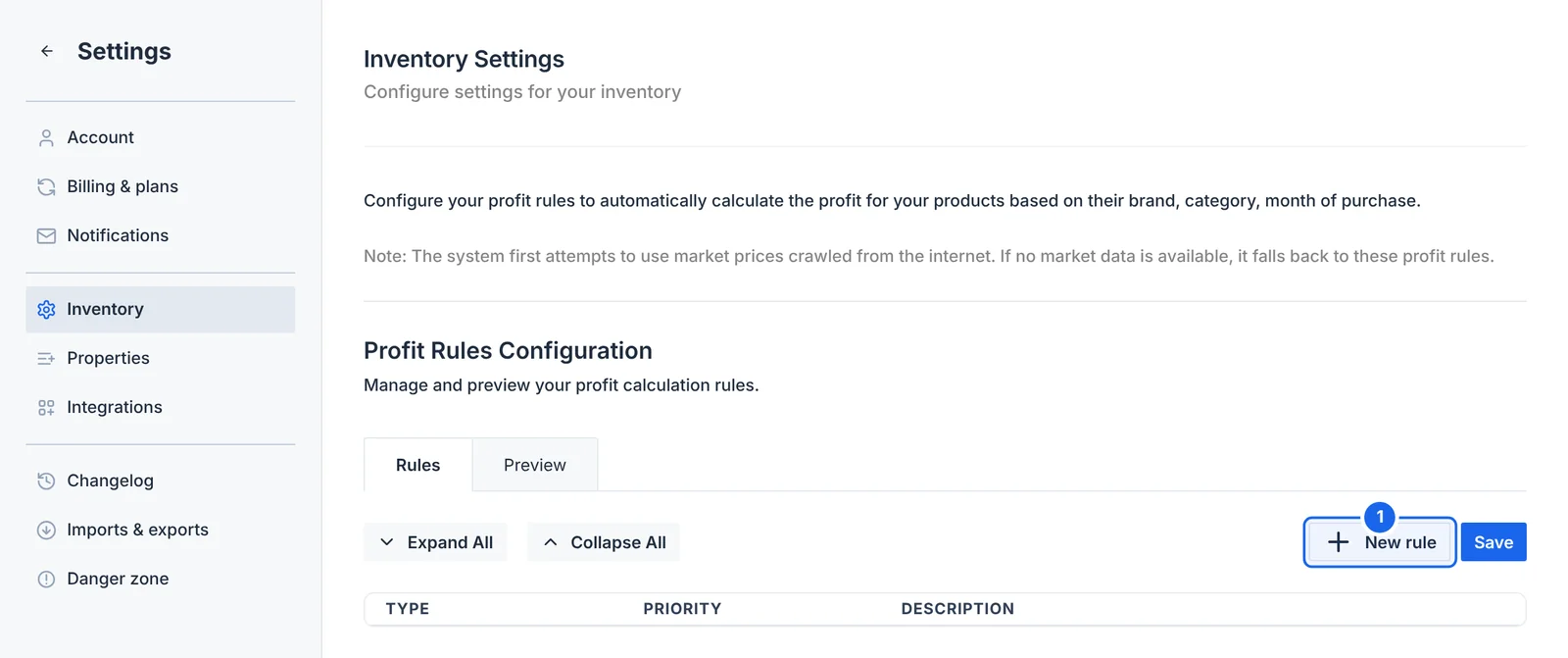
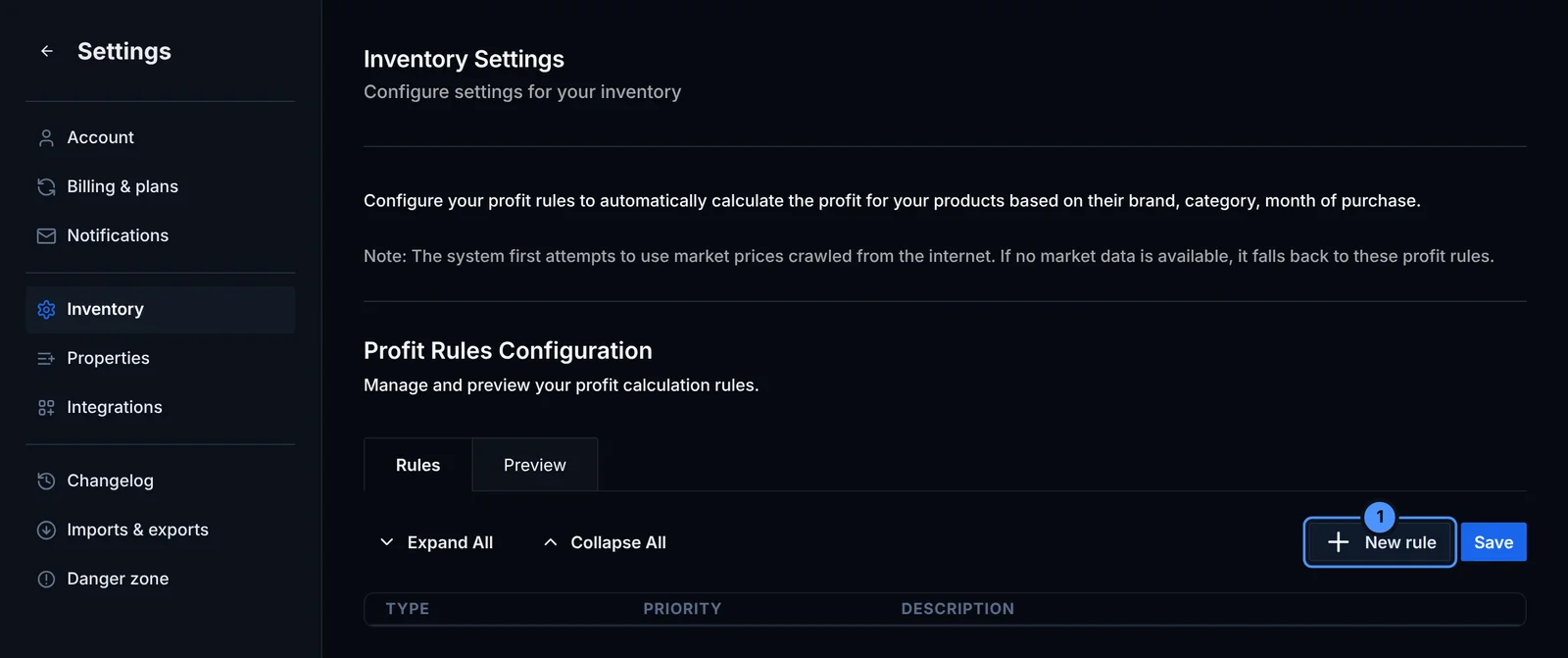
Click New rule (1) to add one. Rules have a priority, so a brand rule can win over a category rule. Use the Preview tab to check the result on your stock before you save.
When an item has a market price, Retailed uses it. Your rules only apply when no market price is available.