Still on Retailed classic? Classic guides
Ask Retailed
Search your items, screens and actions with ⌘K, ask Retailed how to do something to get the steps from these guides, and let it draft the change for you.
Search or ask Retailed finds your items, opens any screen, runs common actions and answers how-to questions from this help center.
Search with ⌘K
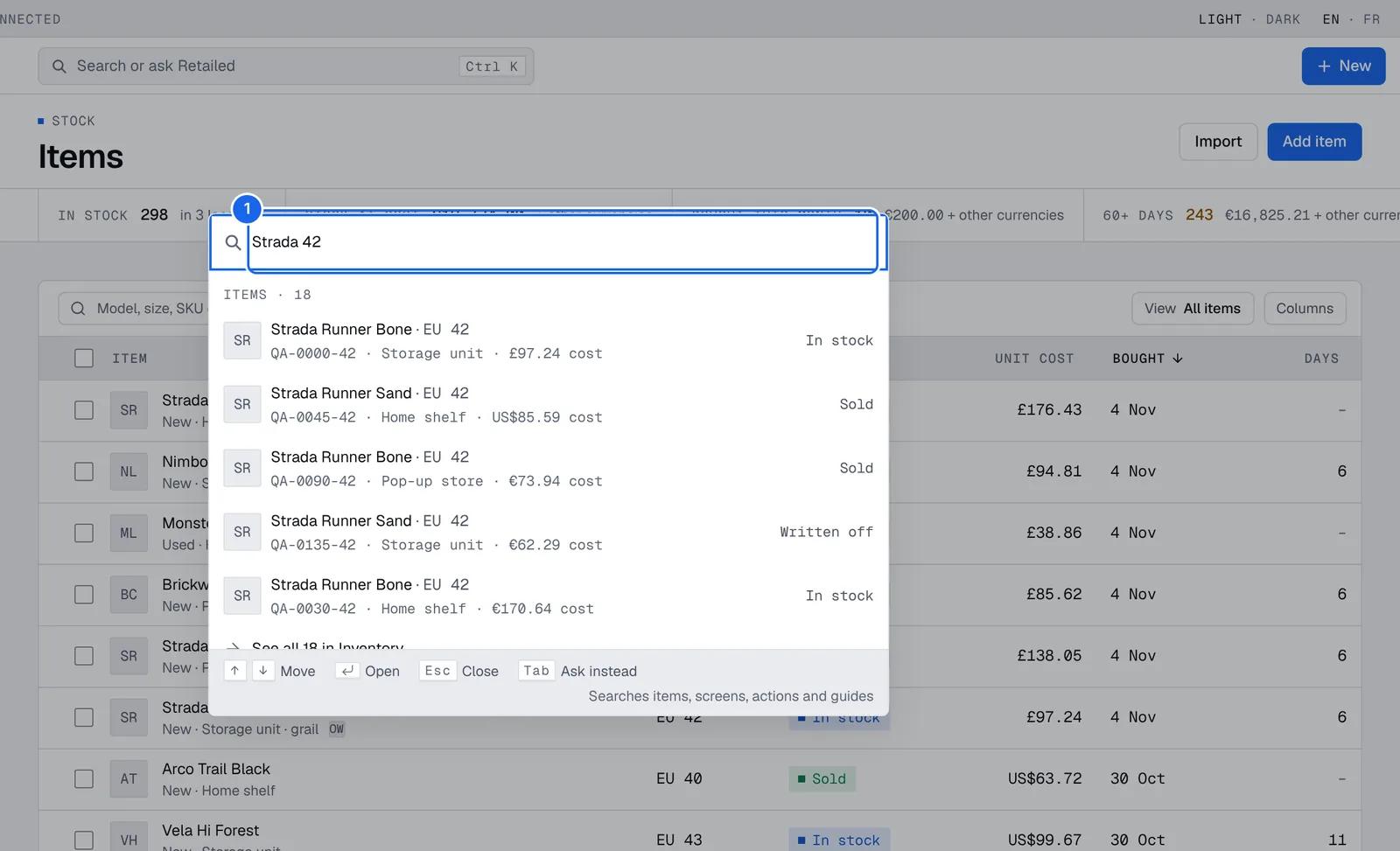
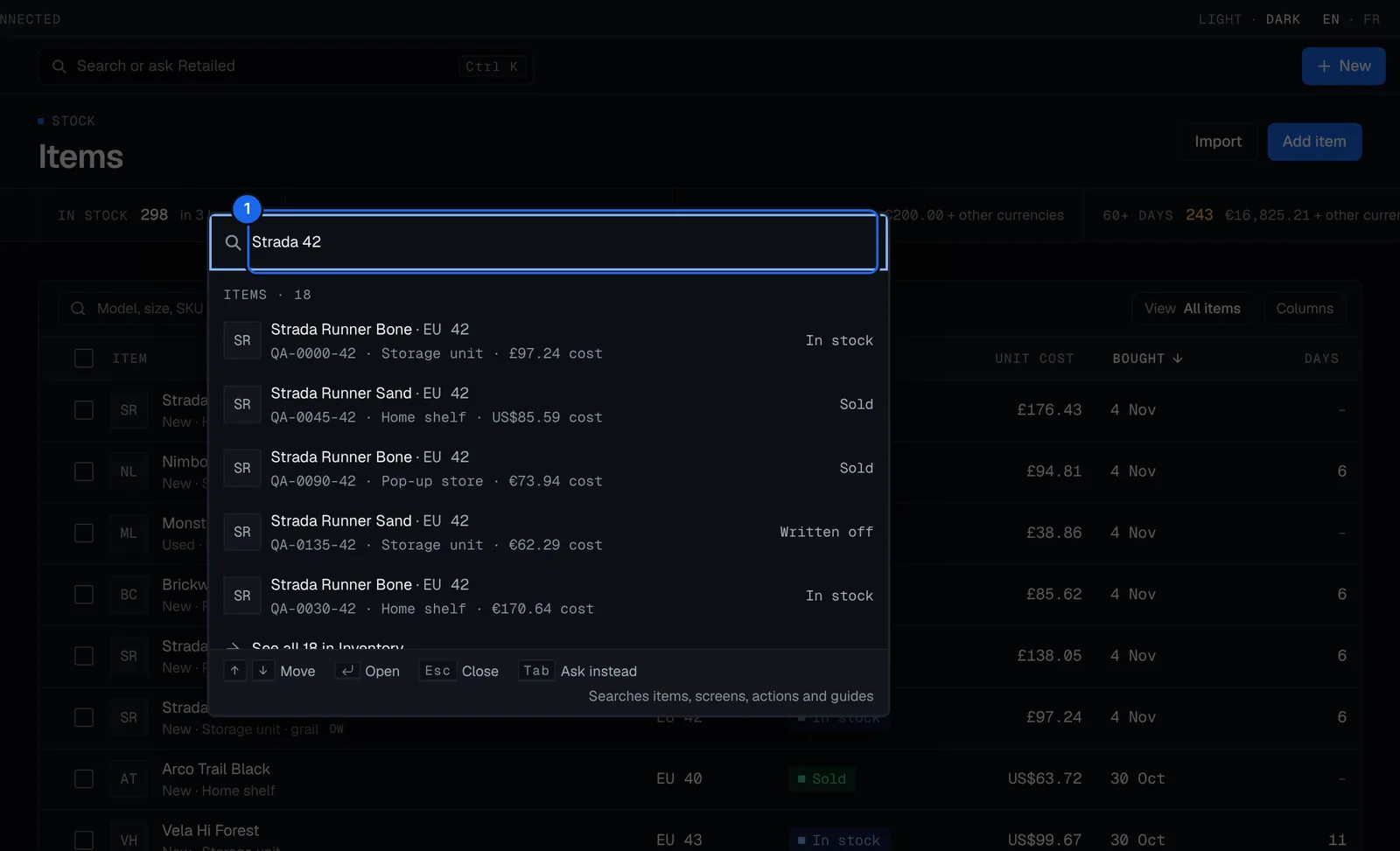
- Press ⌘K (Ctrl+K on Windows), or click Search or ask Retailed.
- Type a model name, a size or a SKU to find your items, or the name of a screen, an action or a guide.
- Use the arrow keys to move and Enter to open. Esc closes it, and Tab asks Retailed your words as a question instead.
Item results show the size, SKU, location, cost and status. See all in Inventory opens the full list for that search.
From there you can Add an item, Record a sale, Add an expense, Import a CSV file, Snap a photo to add, or change the theme and layout. With units selected in Stock, you can also move or write them off.
Ask how to do something
- Press ⌘K, type your question, for example "How do I record a sale?", and press Tab to ask it. Or open Ask Retailed. On your phone, press Ask at the top of Home.
- Retailed answers from these guides, with the steps as cards. Press See docs to open the full guide.
- Press Helpful or Not helpful to tell us how the answer did.
Retailed only answers from the help center. When no guide covers your question, it says so instead of guessing: try other words, or write to support@retailed.io.
Answers follow your plan and your role. If a guide needs another plan, the answer says which one.
Let Retailed do it for you
For some answers, such as recording a sale, Retailed offers Do it for me.
- Press Do it for me. Retailed drafts the change from your question. If it needs more details, like which pair you sold, it asks: ask again with them, or follow the steps.
- Check the Proposal. Nothing changes until you apply it.
- Press Apply, or Discard to drop it. Bigger changes wait in your Inbox: press Review in Inbox.
Press Undo on an applied change to draft its undo in your Inbox.
Retailed AI limits
How-to answers never count against your plan. Do it for me uses Retailed AI actions: Seller includes 10 a month, and Pro and up have fair use. Free includes no actions and 5 Retailed AI questions a day. See Plans and billing.
What Ask Retailed can't do yet
Ask Retailed answers how-to questions. Questions about your own numbers, like "What did I make on Jordans this year?", work today in Claude and ChatGPT.
Inbox
Review the changes waiting for you from imports, forwarded emails, rules, Ask Retailed and bulk edits, apply or discard them, and undo anything you applied or saved.
Inventory
Find any unit in stock, filter and save views, open an item's preview and page, edit it in place, and move, sell or write off units in bulk.