Still on Retailed classic? Classic guides
Home
What Home shows each day: stock at cost, profit this month, money on the way, what needs you and your setup tasks.
Home is the first page you see. It shows where your business stands today and what needs you.
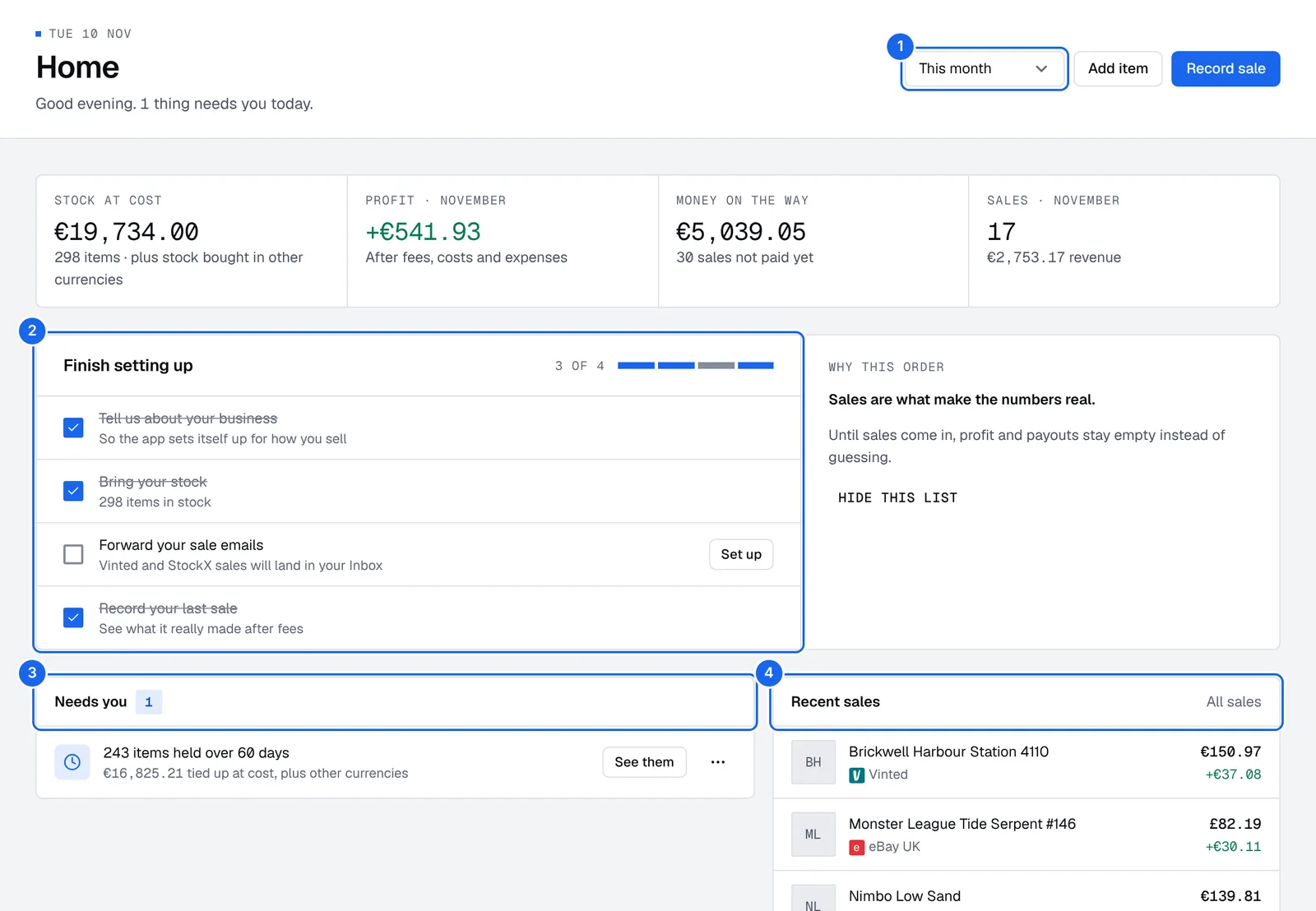
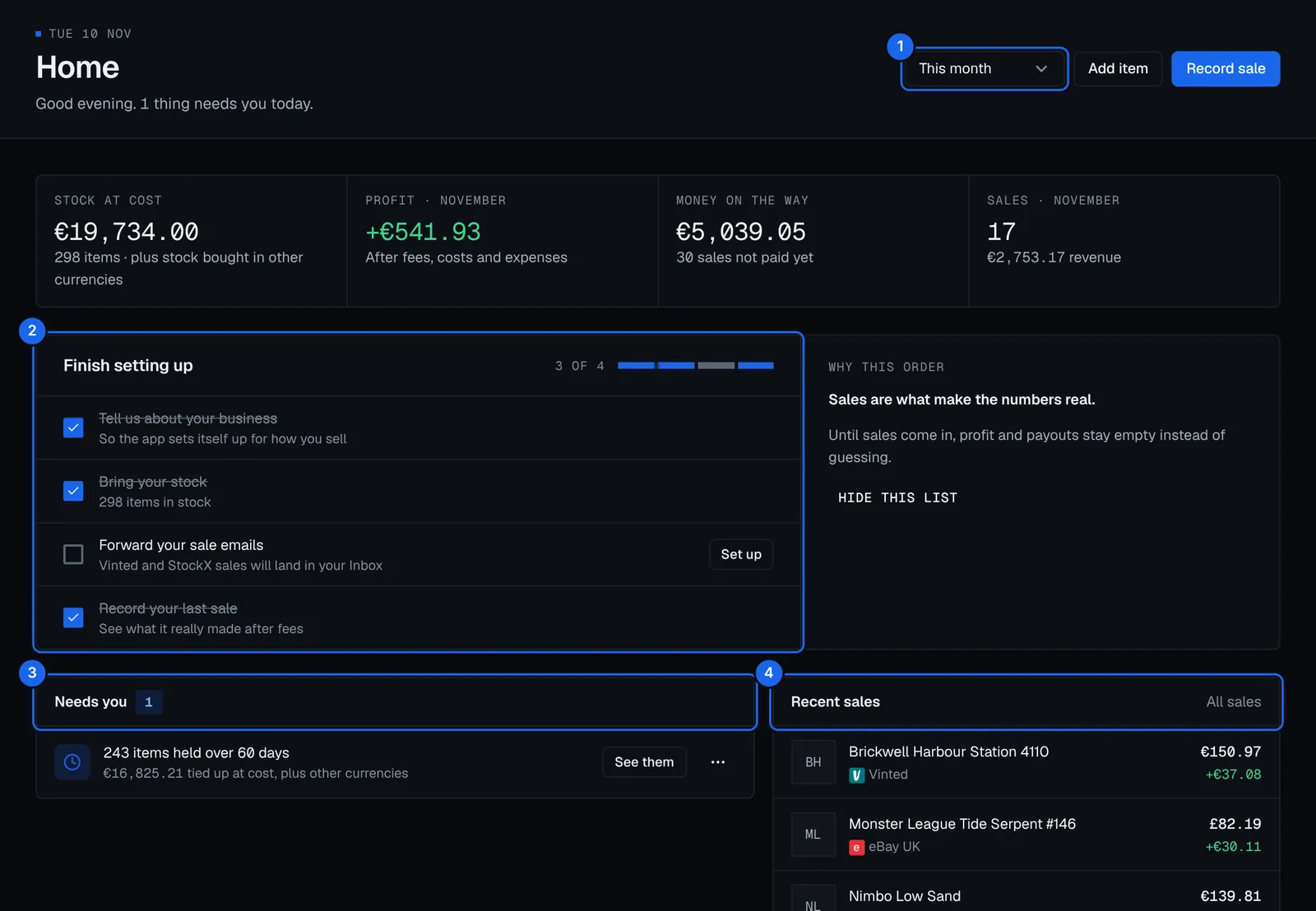
- Period: the period the numbers cover, this month unless you pick another.
- Finish setting up: your first tasks, ticked as you do them. Press Set up next to one to do it.
- Needs you: what to fix today. Press See them to open the list behind it.
- Recent sales: your last sales and what each made. All sales opens Money › Sales.
Your numbers
- Stock at cost: what the items you hold cost you, and how many are in stock.
- Profit: this month's profit, after fees, costs and expenses. Pick another Period to see a different one.
- Money on the way: the sales not paid yet, and how many are late. See Payouts.
Profit leaves out what it can't count yet, such as a sale in another currency with no exchange rate, and says so.
Needs you
Needs you lists what to fix today:
- Items with no cost: profit can't be worked out without one. Press Set costs.
- Items held longer than your aged-stock limit, with the cost tied up in them. Set the limit in Business and tax settings.
- Late payouts.
Open an item's menu to Mark as done or Hide for a week. Press Show again to bring hidden ones back.
Inbox, recent sales and stock by location
Below, Home has its own cards:
- Inbox: the changes waiting for you, such as drafts from forwarded emails or an import. See Inbox.
- Recent sales: your last sales and what each made.
- Stock by location: what you hold at each location, at cost. See Locations and product types.
Finish setting up
Until you're set up, Home lists your first tasks: tell us about your business, add your stock, forward your sale emails, record your last sale and get the app. Press Hide this list when you no longer need it. See Getting started.
Quick actions
Press Add item or Record sale on Home, or New at the end of the top bar, to add stock, record a sale or add an expense. On your phone, tap + in the tab bar.
Plans and billing
How Retailed plans follow your sales, what each plan adds, the Pro trial and add-ons, and how to change your plan, card and invoices.
Inbox
Review the changes waiting for you from imports, forwarded emails, rules, Ask Retailed and bulk edits, apply or discard them, and undo anything you applied or saved.